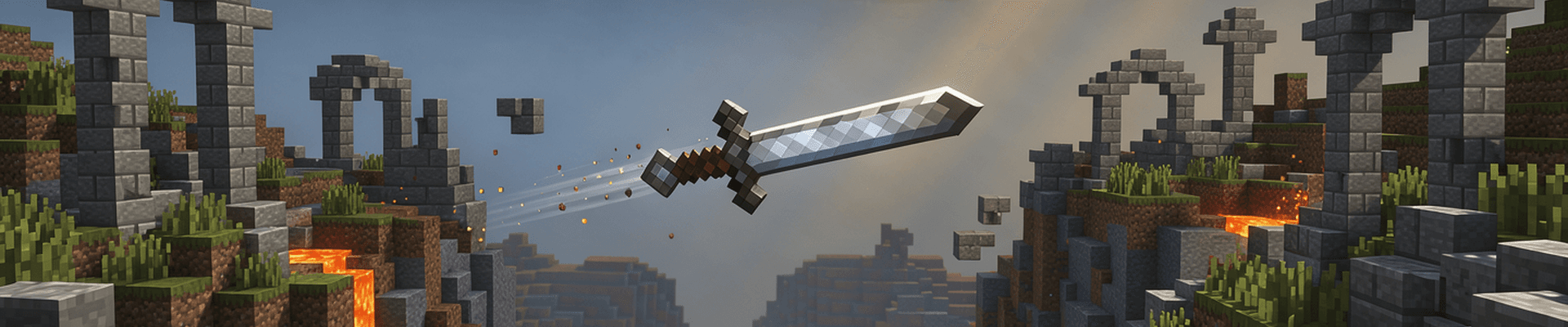

PvP Optimization
An ultra optimization mod that can boost FPS upto 1000, add better indication and faster PvP, and make your ping faster, help in crystal, anchor, cart, swordz...
Downloads
220
Remixes
0
Price
Free
fabric · Client · 1.21.1 · mod
PvP Optimization (client, 1.21.1)
What it does
- Enables an aggressive performance profile on join: uncaps FPS, disables vsync, switches to fast graphics/clouds off, minimizes particles, lowers entity distance scaling, flattens biome blend, and removes distortion/FOV sway to smooth camera motion.
- Adds a clean‑view toggle that drops most non-combat particles and culls far-away clutter (items/xp frames/boats/minecarts/projectiles) to keep arenas readable.
- Draws threat highlights for end crystals, TNT, TNT minecarts, and players holding swords/axes; respawn anchors near you get a purple outline for quick PvP awareness.
- Shows a compact HUD block with on/off statuses plus live FPS and smoothed ping so you can confirm the profile is active mid-fight.
- Latency guard optionally forces the Netty channel into low-latency mode (TCP_NODELAY/keepalive/TOS hints) to keep inputs responsive.
How to use
- Keybinds (all under the “PvP Optimization” category):
Gtoggles the performance profile (and restores your previous values when off);Jtoggles clean view (particle limiter + culling);Htoggles threat highlights;Ptoggles latency guard. - The HUD appears when the regular HUD is visible; it reports current FPS, ping, and which toggles are active.
- Threat outlines only render when highlights are enabled and you are in a world; particles are still preserved for critical combat effects (crits, sweep, explosions, fireworks).
Notes and limitations
- Client-only: visuals and network hints do not affect server logic or other players.
- The performance profile captures your current settings once; turning it off restores that snapshot, not later manual tweaks.
- Particle limiting and culling favor visibility and FPS; if something looks missing, toggle “clean view” off temporarily.
Tested by Player Games
We ran version 1 of this mod on a dedicated Fabric 1.21.1 server on 2026-11-16.
- Startup, launch to ready
- 26 s (one run, to the nearest 1 s)
- Peak memory at ready
- 969 MiB (whole server container, not this mod alone)
- File size
- 24 KiB
The server's own startup timer (its "Done" log line) read 12.9 s. It covers only part of startup.
The server reached ready with this mod and its required dependencies. This checks startup, not every gameplay feature or client compatibility.
Test isolation was not recorded. Startup and whole-container memory are boot observations, not controlled comparisons of mod cost.
No performance profile yet. Mod CPU cost, allocations and gameplay tick impact have not been measured; missing data does not mean zero cost.
Measured by Player Games on our own test servers (validator image 9a71b55b0bf1). One run is an observation; a median over repeated runs is a measurement.
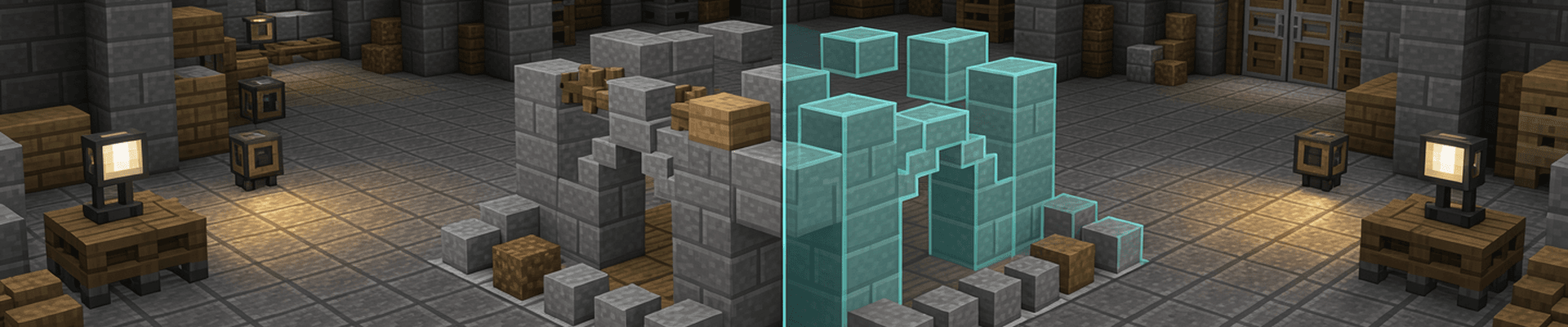

Effortless WorldBuilding Remix
make the supported environment to both server and client. add the option to see dimensions in numbers. for eg while placing a line of 5 blocks the review...


vault opener heavy core
a mod that opens a omnious vault when a specific item gets displayed inside the omnious vault, when the mod is activated through a keybind H it opens the...


Auto Mace
by calm_vole#6043
Equip a mace from anywhere in your inventory with one key. Cycle between hotbar maces or safely pull a stored mace into reach.
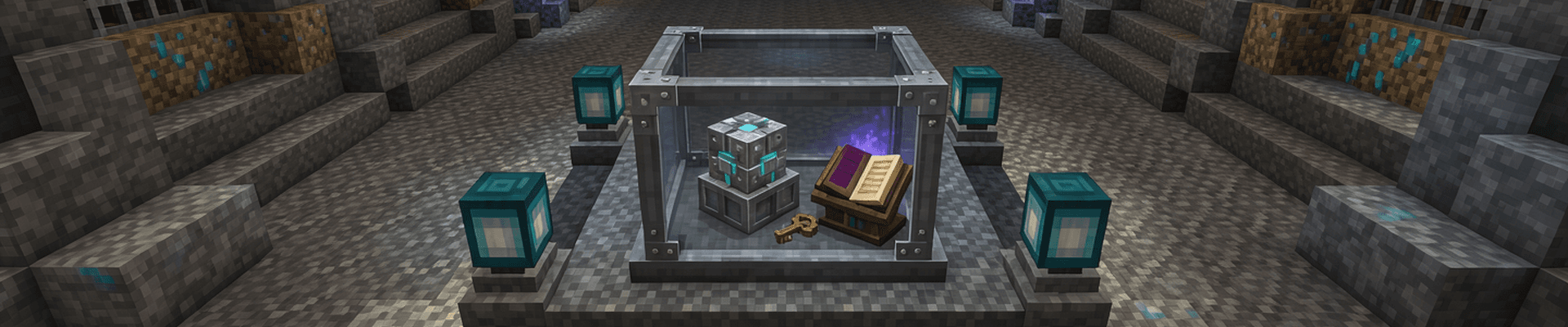

vault opener
a mod that opens a omnious vault when a specific item gets displayed inside the omnious vault, when the mod is activated through a keybind H it opens the...
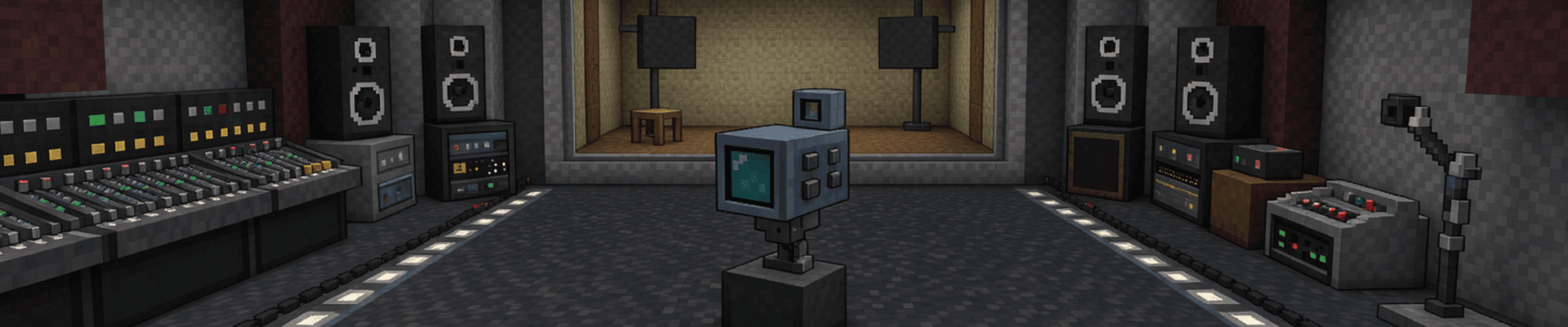

Flashback inventory addon
Create a client-side Fabric Minecraft mod that makes the Flashback replay mod render and record all GUI elements when using Spectate → First-Person...

PVP Bot
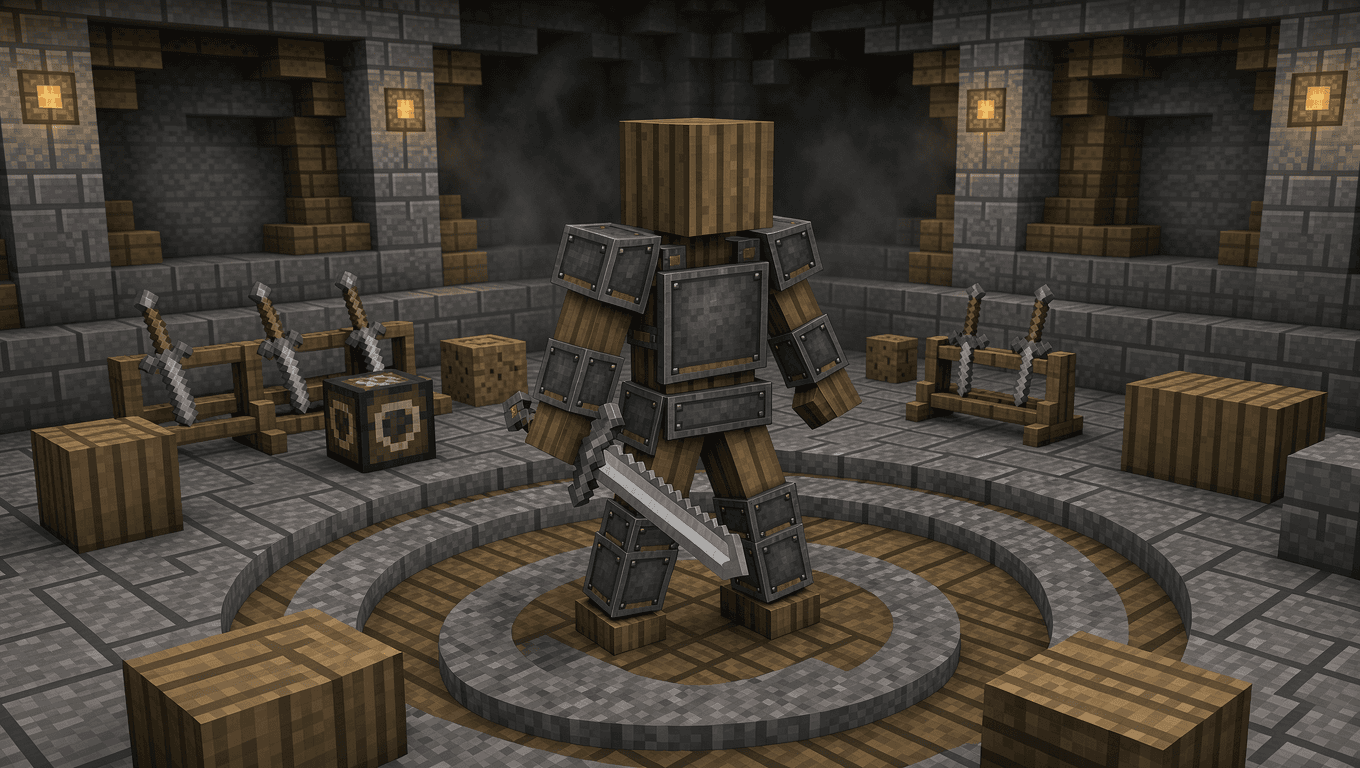
PVP Bot is a Minecraft Fabric mod that gives players an armored opponent for melee practice at three difficulty levels.