Want your own version of this mod?
This mod started as a single prompt. Open the Minecraft Creator Hub and generate your own version with different items, mechanics, or rules. No coding needed.


ArmourHUD
Armor HUD Display Render the player’s currently worn armor on the HUD. Default Layout Left of hotbar (top → bottom): Helmet, Chestplate Right of hotbar (top...
Downloads
396
Remixes
0
Price
Free
fabric · Client · 1.21.1 · mod
ArmourHUD overlays armor and totem info on the HUD with in-game configuration.
What it does
- Shows worn armor icons beside the hotbar (left: helmet/chestplate, right: leggings/boots) using the active item renderer so trims, glints, and resource packs render correctly.
- Adds durability bars and centered durability numbers under armor icons; length follows remaining durability and uses the vanilla color gradient.
- Displays a Totem of Undying counter above the XP level, counting all totems in the inventory and offhand, hiding when none are present.
- Includes Mod Menu settings for visibility toggles, per-feature scaling, and a HUD editor.
How to use
- Open Mod Menu → ArmourHUD to toggle armor slots, durability bars/numbers, the totem counter, and numeric overlays.
- Adjust armor, durability bar, and totem icon scales from the same screen.
- Launch the HUD Editor from Mod Menu to click-and-drag armor pieces or the totem counter; placeholders appear even when unequipped and hotbar/XP guides help avoid overlap. Changes apply immediately and are saved.
- Configuration is stored in the Fabric config directory as a JSON file and updates as you edit.
Notes and limitations
- Default placement is estimated relative to the vanilla hotbar and XP bar; reposition in the editor if your UI layout differs.
- The HUD editor can be opened outside a world, but live item data requires an active player; placeholders will render otherwise.
- Totem counts exclude items outside the player inventory/offhand.
Tested by Player Games
We ran version 1 of this mod on a dedicated Fabric 1.21.1 server on 2026-11-16.
- Startup, launch to ready
- 25 s (one run, to the nearest 1 s)
- Peak memory at ready
- 1230 MiB (whole server container, not this mod alone)
- File size
- 27 KiB
The server's own startup timer (its "Done" log line) read 12.6 s. It covers only part of startup.
The server reached ready with this mod and its required dependencies. This checks startup, not every gameplay feature or client compatibility.
Test isolation was not recorded. Startup and whole-container memory are boot observations, not controlled comparisons of mod cost.
No performance profile yet. Mod CPU cost, allocations and gameplay tick impact have not been measured; missing data does not mean zero cost.
Measured by Player Games on our own test servers (validator image 9a71b55b0bf1). One run is an observation; a median over repeated runs is a measurement.

Effortless WorldBuilding Remix
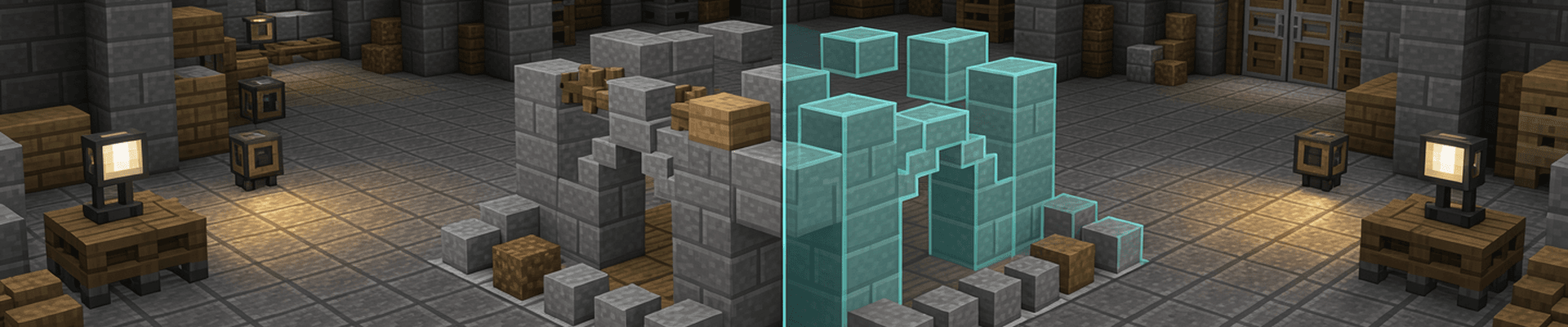
make the supported environment to both server and client. add the option to see dimensions in numbers. for eg while placing a line of 5 blocks the review...

vault opener heavy core
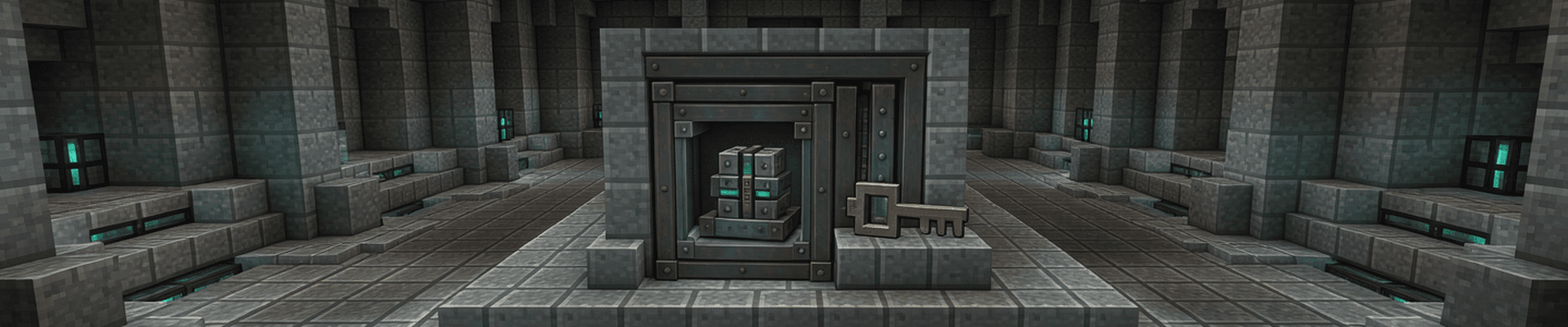
a mod that opens a omnious vault when a specific item gets displayed inside the omnious vault, when the mod is activated through a keybind H it opens the...


Auto Mace
by calm_vole#6043
Equip a mace from anywhere in your inventory with one key. Cycle between hotbar maces or safely pull a stored mace into reach.

vault opener
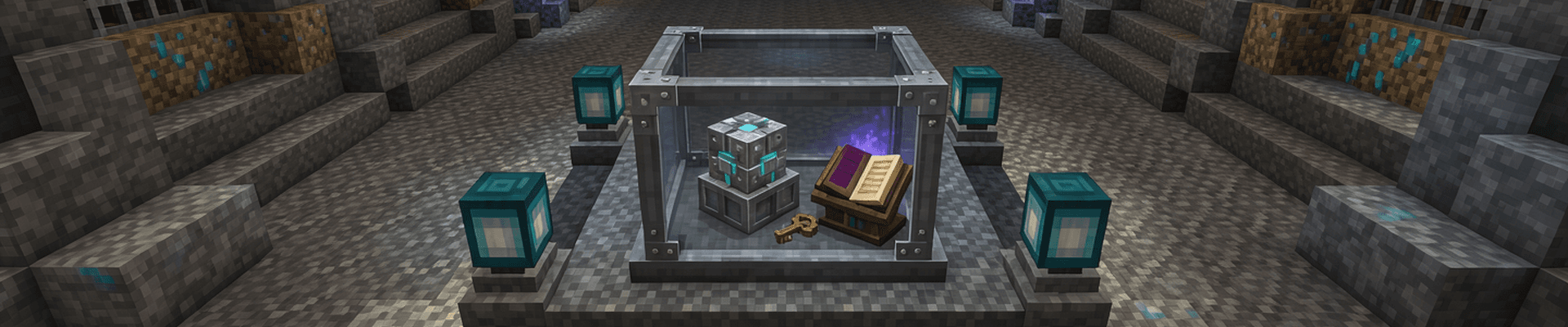
a mod that opens a omnious vault when a specific item gets displayed inside the omnious vault, when the mod is activated through a keybind H it opens the...

Flashback inventory addon
Create a client-side Fabric Minecraft mod that makes the Flashback replay mod render and record all GUI elements when using Spectate → First-Person...

PVP Bot
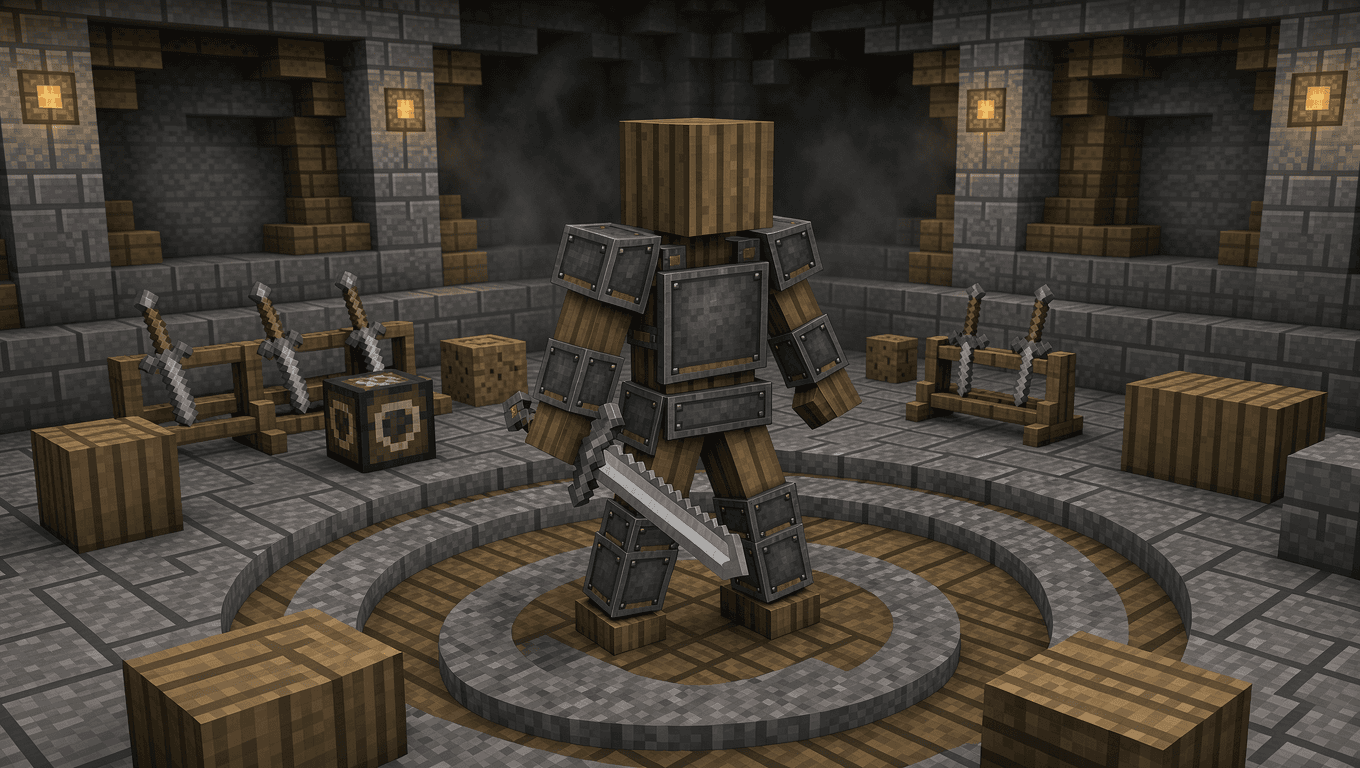
PVP Bot is a Minecraft Fabric mod that gives players an armored opponent for melee practice at three difficulty levels.